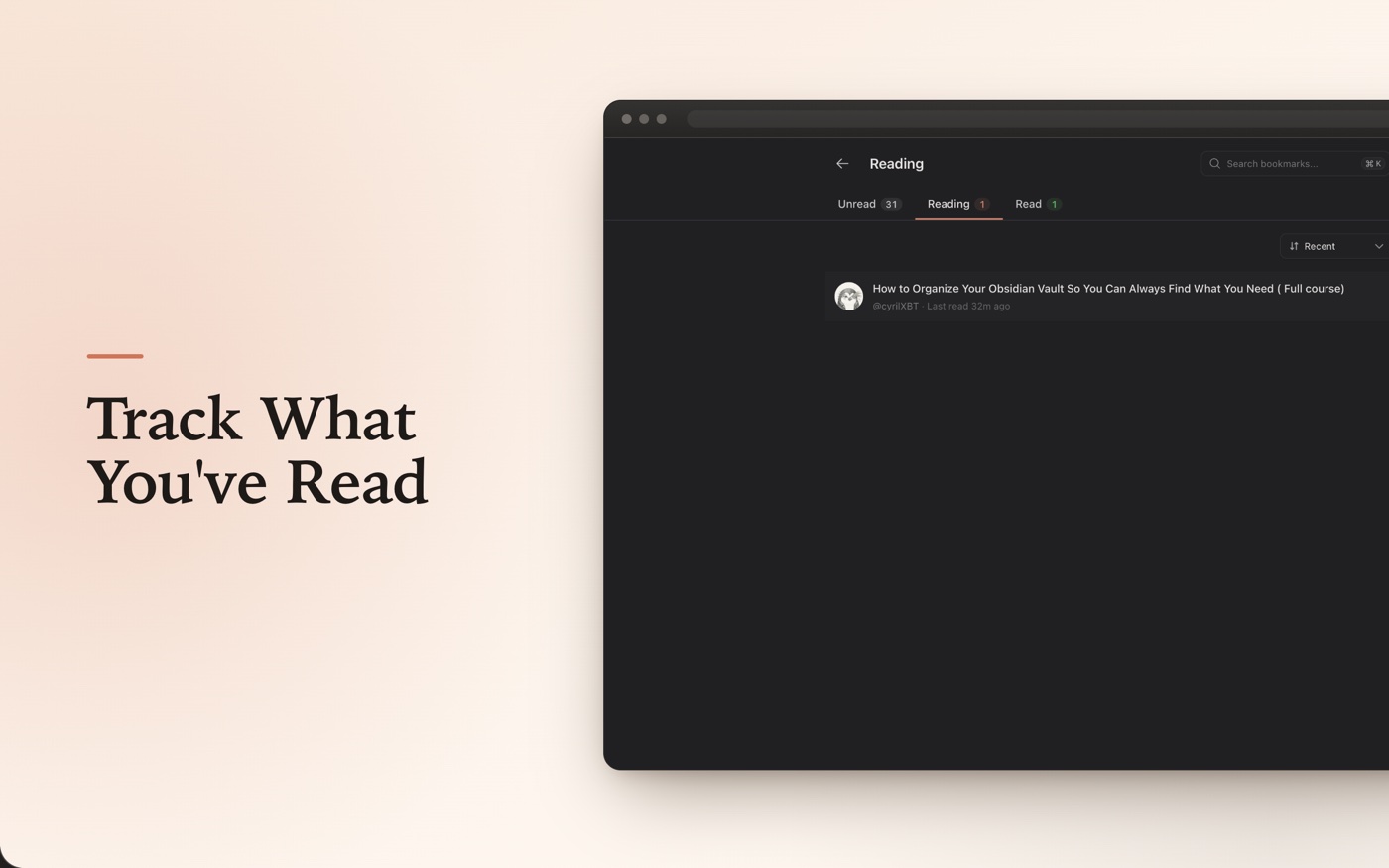
Pick up where you left off.
Unread. In progress. Done. Your queue tracks reading state across every saved post — even mid-thread, even after a week away.
Chrome Extension
Your Twitter & X bookmarks, waiting on every new tab — so you finally read the posts you saved instead of forgetting them.


Totem Demo
Loading preview...
Runs on your existing X session. Nothing leaves your browser.
Features
Everything you need. Nothing you don't.
Unread. In progress. Done. Your queue tracks reading state across every saved post — even mid-thread, even after a week away.
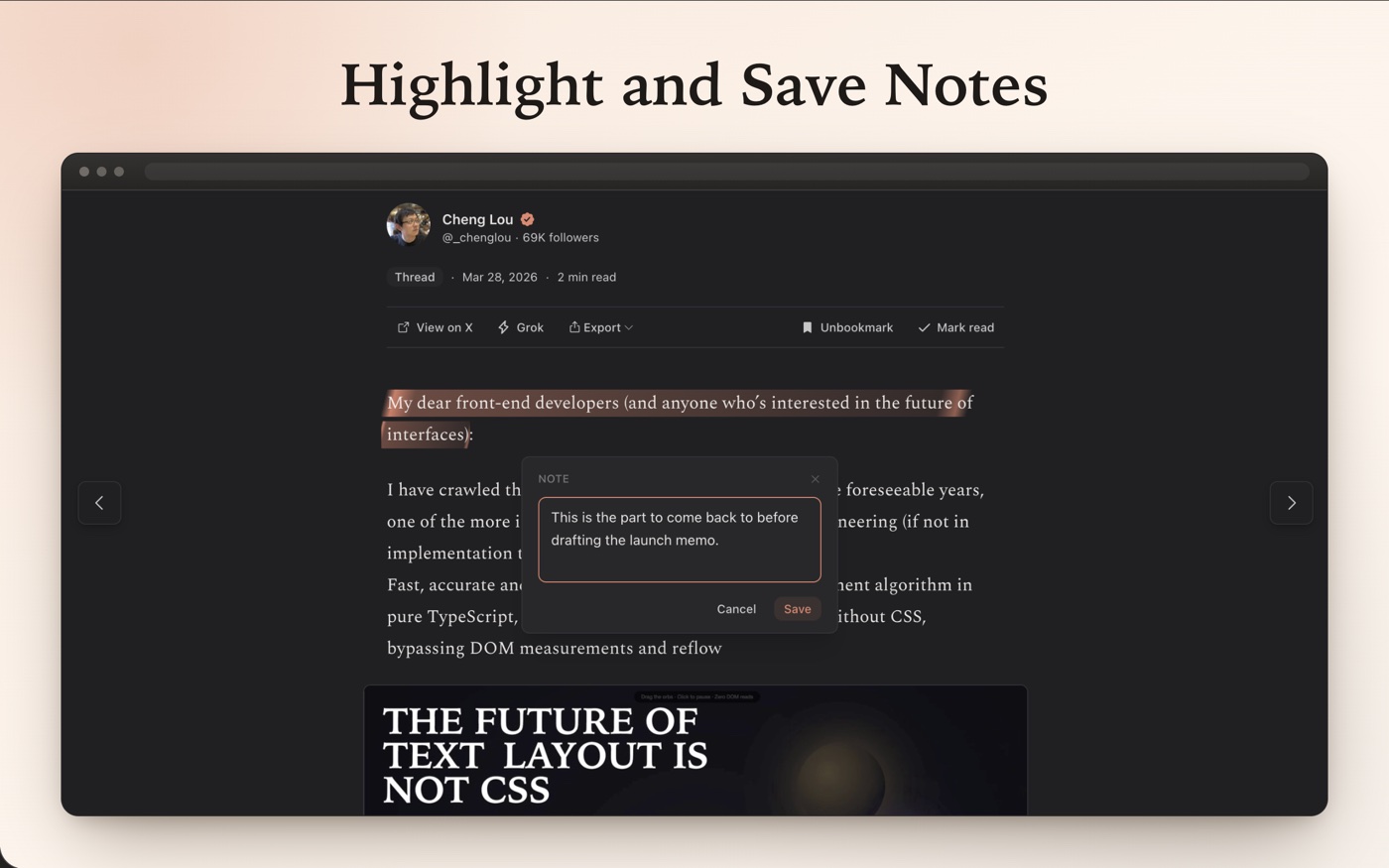
Drag-select any tweet. Add a note. Saved to this device, indexed to the post.
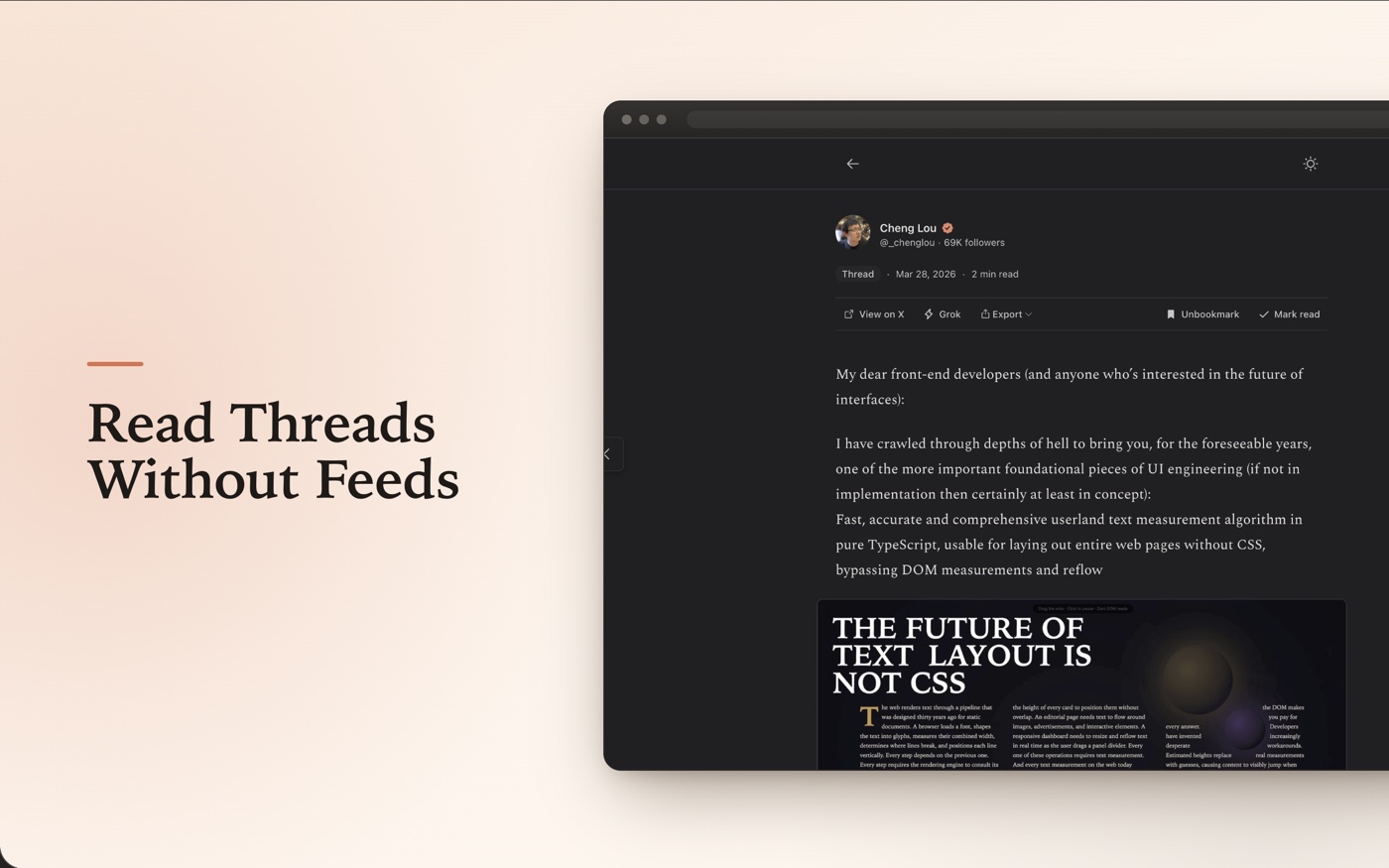
Every saved post in a focused reader. Just the writing — no trending, no ads, no rabbit hole.
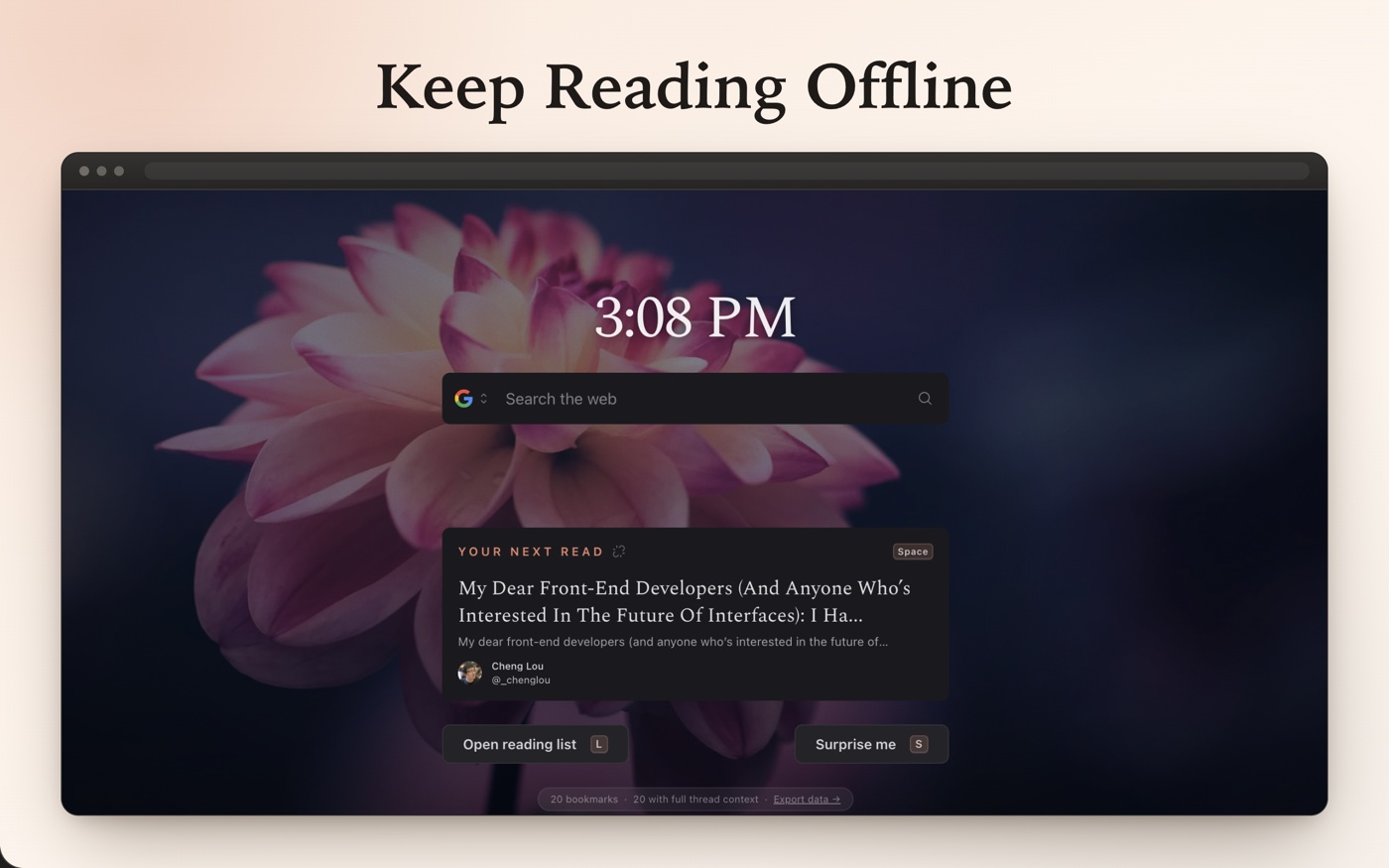
Bookmarks cache locally on first sync. Read 200 saved posts with zero signal.
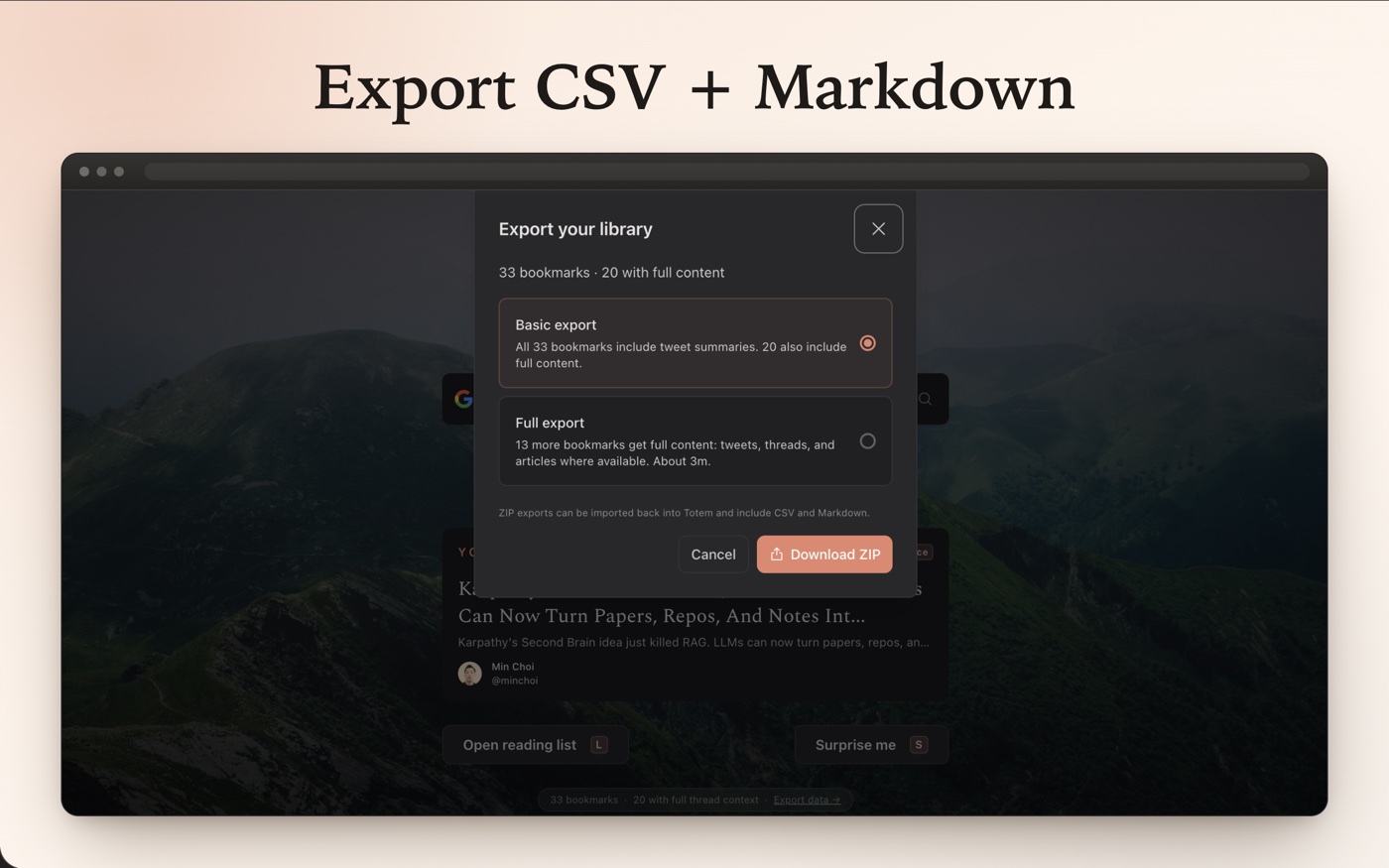
Download a ZIP with CSV, Markdown, JSONL, highlights, notes, and progress. Import it later to restore your reading queue.
Totem reads from your existing X session. Notes, highlights, and reading state stay in your browser — there's no Totem server to leak them.
Read the privacy policy →Totem does not ask for your X password and does not run its own backend. Your notes and reading state stay local on this device. For the full breakdown of permissions and storage, read the privacy page.
Privacy
No. It uses your existing X session in the same browser profile — just log in to X there and open a new tab.
No. There is no backend — your highlights, notes, and reading progress stay on this device.
Your reading state, highlights, and notes stay on the device. You can access them until you reset local data.
Sync
The first sync needs a moment to connect to your X account and build the local reading queue. Click Sync and give it a minute before trying again.
Sync attempts are spaced out to avoid duplicate work or hitting X too quickly. Wait a minute, then try Sync again.
You are logged out of X, so only bookmarks already saved on this device are visible.
Setup
That is Chrome or Brave confirming that Totem is allowed to replace your new tab page. It is a browser safety prompt for new-tab extensions, not a Totem warning. Choose Keep it if you want Totem on new tabs. Choose Change it back only if you want the browser's default new tab restored.
Another extension, another browser profile, or a managed browser setting may be taking over your new tab page. Make sure the extension is enabled in this profile and disable any other new-tab extensions.
Some Brave setups keep browser-owned new-tab UI around extension pages, including background attribution, sponsored-image controls, or the Customize Brave bar. Totem is still running; that footer is controlled by Brave. Use Customize Brave to turn off background images, sponsored images, or dashboard widgets for a cleaner new tab.
Extensions, X logins, and optional permissions are separate per browser profile. Install and log in to X in the exact profile where you want to use it.
Quick Links uses your browser’s top sites and favicon access, so the browser asks before that data can be shown.
No. Turning the feature off stops it from being used, but the browser keeps the permission until you remove it in extension settings.
Local data
Open Settings in the new tab page, choose Reset local data, then confirm. Note that you will lose all local state like highlights, notes, and reading status.
It clears the local bookmarks cache, highlights, notes, reading progress, and all other saved state on that device.
That usually means local data was reset, you changed browser profiles, or you are looking on a different device.
Open X once, come back, and try Sync again. If it still does not recover, use Reset local data.
From the blog
Why saved X / Twitter posts become a pile you never read: saving is easy, returning is hard, and the feed is in the way.
Read →Every plugin that connected Twitter to Obsidian broke when the API closed in 2023. Here's what still works in 2026 — and the one thing that decides whether a tool survives.
Read →A job-based comparison of Twitter / X bookmark managers: Totem, Dewey, TweetSmash, Twillot, XBookmark, ContextBolt, Circleboom, and one-click exporters.
Read →